Token Board
A reward chart for the board or a tablet: choose a reward, then add a star or token for each step until the board is full and the reward is earned.
I'm working for
Reward timer
Token Board · free from Fieldbook Learning
How to use it
Pick a reward from the pictures, or type your own, so the student can see what they are working for. Choose how many tokens to earn (3 to 10) and a token style: stars, smiles, hearts, checks, stickers, or the student's initial in a circle. Each time the student does the target behaviour, tap an empty circle (or press + Token) and a token pops in. If you add one by mistake, tap a token to take it off. When the board is full, a short celebration shows "You earned" and the reward, with an optional reward timer of 1, 2, 5 or 10 minutes. Press Start the next round to begin again.
Add a board for each student who uses one and switch between them with the name buttons at the top. Boards are saved in this browser by first name or initials. Turn on spoken encouragement or soft sounds if they help, use Full screen on a tablet, or print a paper token board with cut-out tokens to laminate and use with velcro.
How token boards work, and how to use them well
A token board is a visual reward chart based on positive reinforcement. The student earns a token right after a specific behaviour, and a set number of tokens leads to a chosen reward. The board makes progress visible, which helps many young students, students with autism or ADHD, and anyone who finds waiting for a reward hard. These habits make a token board work:
- Start small. Begin with 3 to 5 tokens and short tasks, so the first reward comes quickly and the student learns how the board works.
- Be immediate and specific. Give the token right away and name the behaviour: "You started your writing, here's a star."
- Never take earned tokens away as punishment. A token that can be lost stops feeling safe to earn. Removing one is only for fixing a mistake.
- Let the student choose the reward before starting, and change it when it stops being motivating.
- Fade it over time. As the behaviour becomes routine, add more tokens, give them less often, and pair each one with praise so the praise can carry on without the board.
Ideas: use a printed board for a lunch helper or bus routine and the screen board at a work table; let the student press the + button themselves after a check-in; ask "How many more until your reward?" to build counting.
Free to use, no account needed. It runs in your browser: nothing you type, and no sound from your microphone, is sent to Fieldbook.
Three full lessons, free
Make a free account and download any three Fieldbook lessons, from any grade or subject, as printable PDFs. No card needed.
More free classroom tools
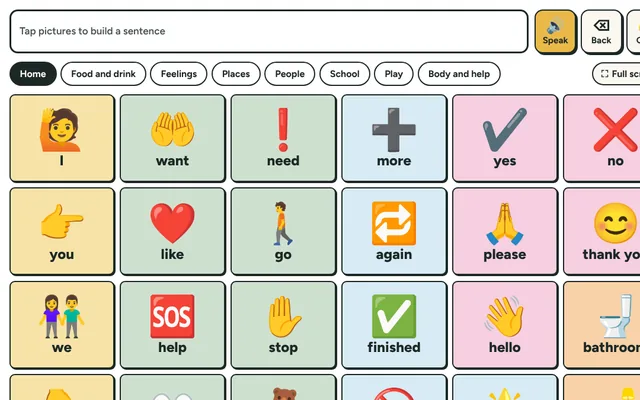
Picture Talk Board
Tap picture buttons to say words and short sentences out loud. A simple communication board for students who are non-speaking, new to English or need support.
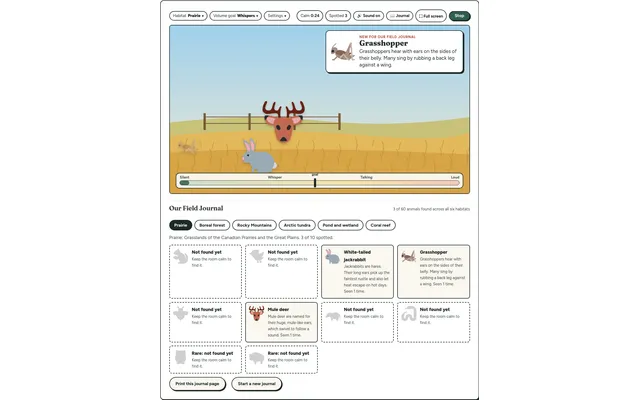
Field Watch
A quiet-room wildlife game for the projector. Keep the room calm and animals visit six real habitats, each with a fact to learn. Every animal spotted goes into your class Field Journal.
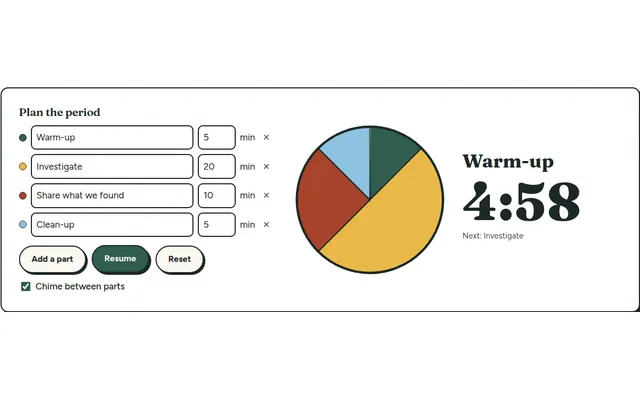
Lesson Timer
A big pie timer that splits a class period into named parts (warm-up, investigate, clean-up) so everyone can see what's next and how long is left.
Countdown Timer
A big, clear countdown timer for the board. One tap for 1, 2, 5 or 10 minutes, or set your own, with a gentle chime at zero and a bar that empties as time runs out.
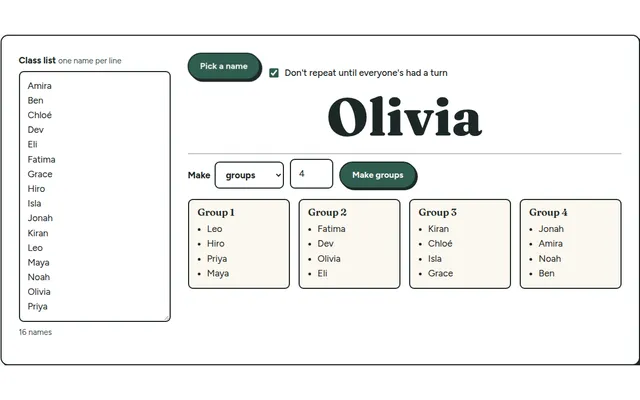
Team Maker
Paste your class list once, then pick a random name or split the class into balanced lab groups in one click.
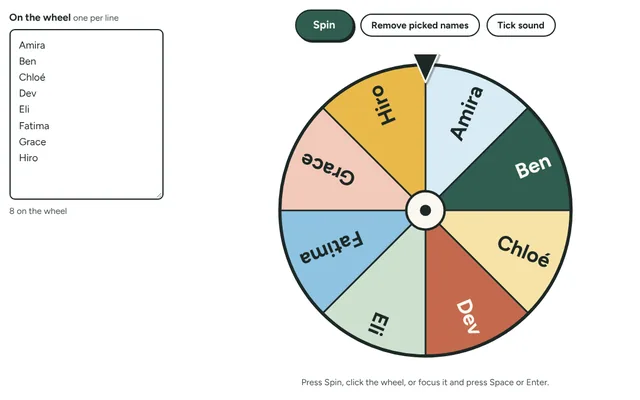
Name Wheel
Spin a wheel of your students' names to pick who goes next, with the option to take each name off once it has been picked. Add prizes, jobs or questions instead of names.