Name Wheel
Spin a wheel of your students' names to pick who goes next, with the option to take each name off once it has been picked. Add prizes, jobs or questions instead of names.
Press Spin, click the wheel, or focus it and press Space or Enter.
Picked so far
Name Wheel · free from Fieldbook Learning
How to use it
Type or paste your students' names into the box, one per line. The list is saved in this browser on this device, so it is still there next lesson. If you have already typed your class into the Team Maker, press Use my Team Maker class list to copy it across.
Press Spin, click the wheel, or tab to it and press Space or Enter. The wheel spins for a few seconds and slows to a stop, and the name under the pointer is shown in large type. Every slice has exactly the same chance of being picked, so this random name picker is fair to everyone on the list.
Turn on Remove picked names and each winner comes off the wheel when you spin again, so nobody is picked twice until everyone has had a turn. The names appear in a Picked so far list, and Reset puts them all back. Tick sound adds a soft click as each slice passes the pointer. Use the full-screen button to show the wheel on the projector.
Ways to use a wheel of names in the classroom
When students know the wheel decides who answers, everyone stays ready, not only the hands that always go up. Random picking also takes the guesswork and the arguments out of whose turn it is, which makes it easier for quieter students to take part. Because the wheel is visible to the whole class, students can see the choice is fair.
You do not have to spin the wheel with names. Put anything on it, one per line:
- Fair turn-taking: who reads next, who shares first, who chooses the game.
- Random classroom jobs: line leader, door holder, plant waterer, tech helper.
- Review questions or topics: spin to choose what the class practises next.
- Brain-break choices: stretch, dance, Simon says, a quick drawing challenge.
- Story starters, prizes or partner tasks for centres.
Free to use, no account needed. It runs in your browser: nothing you type, and no sound from your microphone, is sent to Fieldbook.
Hands-on lessons to pair with Name Wheel
Ready-to-teach units, each lesson a printable teacher guide and student sheet. Your first three lessons are free.
Evidence Lab
How do you know something is true? Students test a claim with their own measurements, find out why one result is never enough, and learn to tell strong evidence from weak.
Pushes, Pulls and Magnets
Why a rolling ball always stops, whether a magnet can pull through a table, and how far a paper clip will jump. Three lessons on the pushes and pulls that start, stop and steer things.

Power Up: Where Electricity Comes From
Where does the electricity in our classroom come from, and why is it made differently in different places? Students trace the wires, build a wind machine that does real work, and weigh up solar power like an energy planner.
Three full lessons, free
Make a free account and download any three Fieldbook lessons, from any grade or subject, as printable PDFs. No card needed.
More free classroom tools
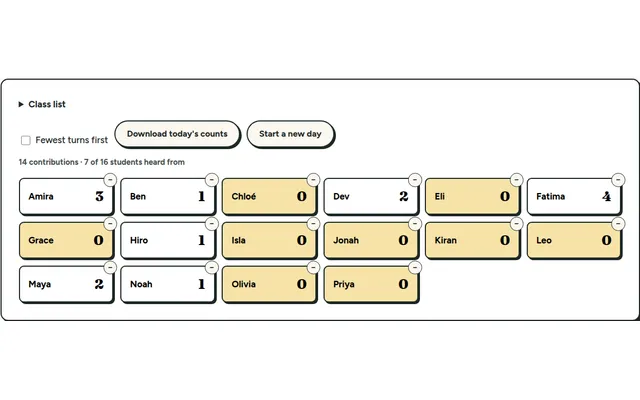
Participation Tally
Tap a name each time a student contributes and see who hasn't had a turn yet. Everything stays on your own device.
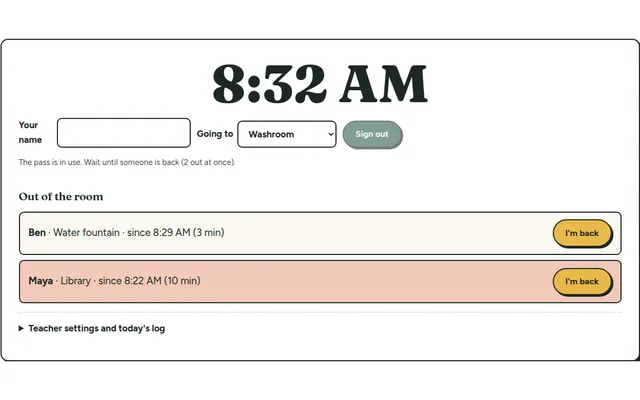
Hall Pass Board
Students sign out and back in on a classroom screen, with a running clock and a log you can download at the end of the day.
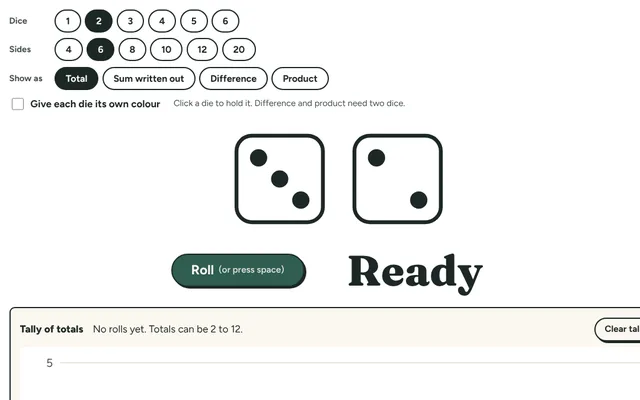
Dice Roller
Roll up to six big dice for games and math centres: regular six-sided dice or 4, 8, 10, 12 and 20-sided ones, with the total and a tally of every roll.
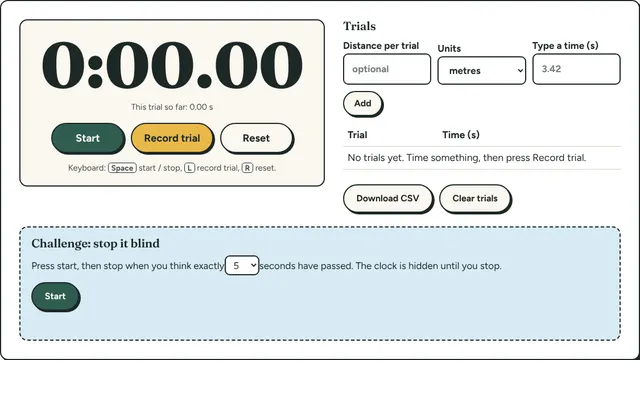
Lab Stopwatch
A big stopwatch with lap times for experiments: time several trials, see the average and spread, and download the results.
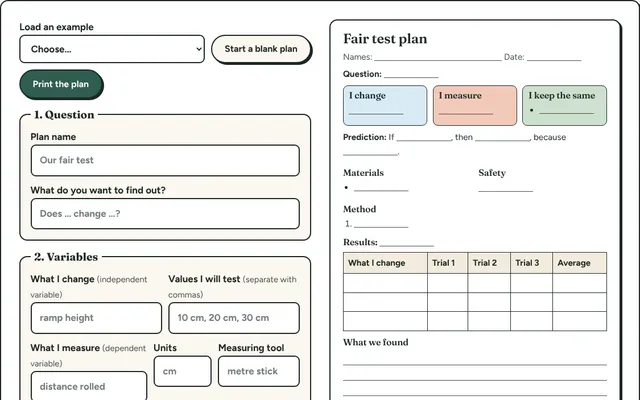
Fair Test Planner
Plan an experiment step by step: question, variables to change, measure and keep the same, prediction and method. Prints as a one-page plan.
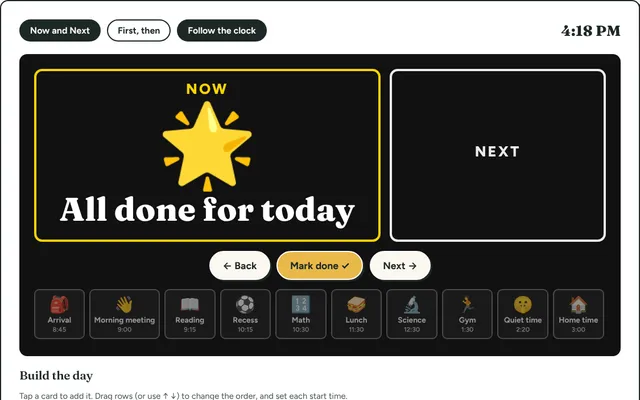
Visual Schedule
Build the day's schedule with picture cards and show Now and Next on the board. Helps every student, and especially those who need predictability.