Visual Schedule
Build the day's schedule with picture cards and show Now and Next on the board. Helps every student, and especially those who need predictability.
Now
Next
First
Then
How to use it
Tap picture cards to build today's schedule, set the start time of each one, and put it up on the board with Full screen. With Follow the clock on, Now and Next change by themselves and the bar shows how much of the current activity is left. When plans change, press Next or Back to move along by hand, and tap any card in the strip to cross it off as done. First, then shows just two cards ("First reading, then recess") for one student or a tricky moment. Your day is saved on this device.
Why a visual schedule helps
Knowing what is happening now and what comes next lowers worry and cuts down on "What are we doing?" questions. Pictures make the schedule readable for early readers, students learning English, and many students with autism, ADHD or anxiety, for whom an unexpected change can be hard. Showing the time left in an activity helps with transitions, and crossing items off gives a sense of progress through the day.
A few habits make it work better: go over the schedule each morning, point to it before each transition, and show changes (an assembly, a supply teacher) on the schedule ahead of time rather than just saying them. First, then is a simple, positive way to pair a less-preferred task with something to look forward to.
Free to use, no account needed. It runs in your browser: nothing you type, and no sound from your microphone, is sent to Fieldbook.
Hands-on lessons to pair with Visual Schedule
Ready-to-teach units, each lesson a printable teacher guide and student sheet. Your first three lessons are free.
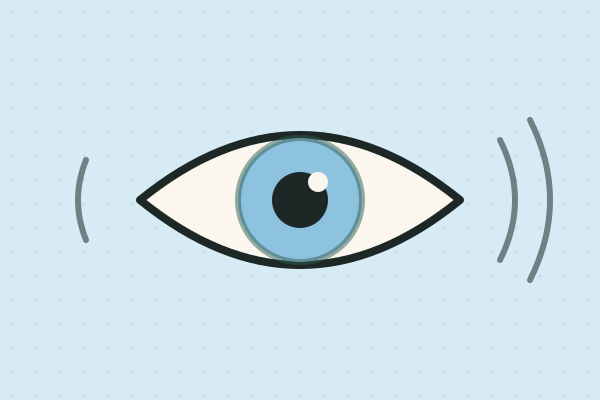
Your Senses: How Does Your Body Know?
Map the most sensitive spots on your skin, find the blind spot in each eye, lose the flavour of a jelly bean by pinching your nose, and build an owl ear. Four lessons on how senses gather information and the brain makes sense of it.
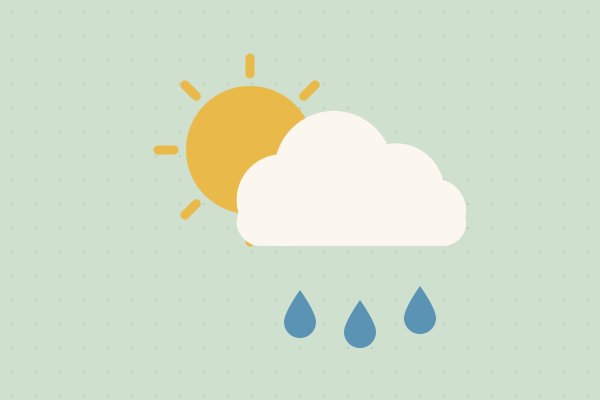
Weather Watchers: What Will the Sky Do Today?
Is it sunny, windy or wet today, and how can we tell? Young scientists keep a class weather chart for two weeks, build wind socks to catch the wind and make a rain gauge from a bottle to measure the rain.
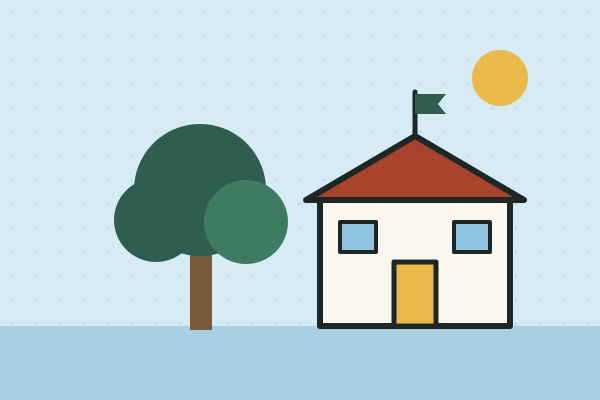
Earth Day Investigations: Make Your School Better
Four hands-on investigations into the school's own garbage, shade, water and electricity. Each one ends with students taking a real, evidence-based recommendation to the principal or caretaker.
Three full lessons, free
Make a free account and download any three Fieldbook lessons, from any grade or subject, as printable PDFs. No card needed.
More free classroom tools
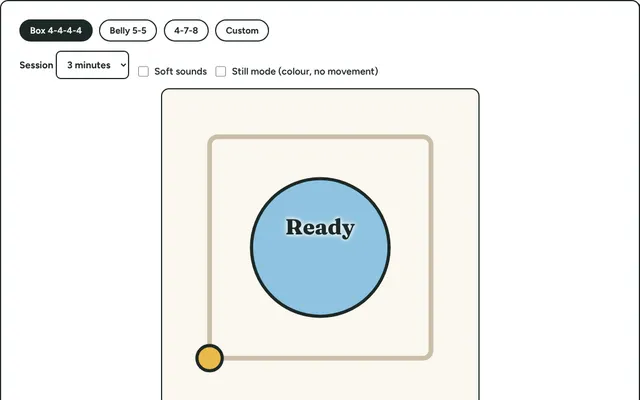
Calm Breathing
A breathing guide for the projector: a shape grows and shrinks to pace box, belly or 4-7-8 breathing, with gentle counting and optional sound.
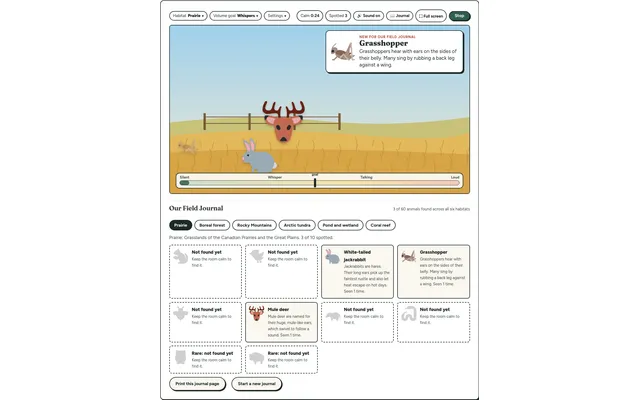
Field Watch
A quiet-room wildlife game for the projector. Keep the room calm and animals visit six real habitats, each with a fact to learn. Every animal spotted goes into your class Field Journal.
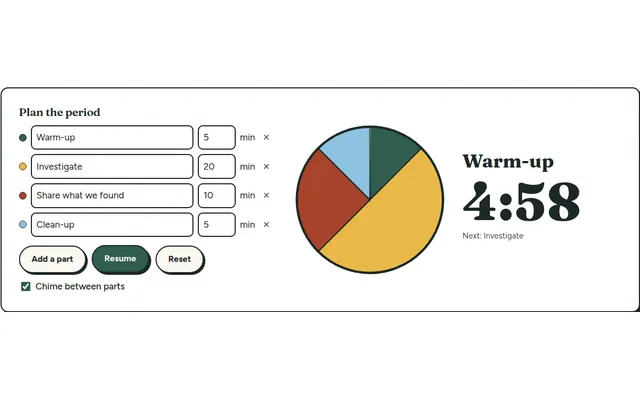
Lesson Timer
A big pie timer that splits a class period into named parts (warm-up, investigate, clean-up) so everyone can see what's next and how long is left.
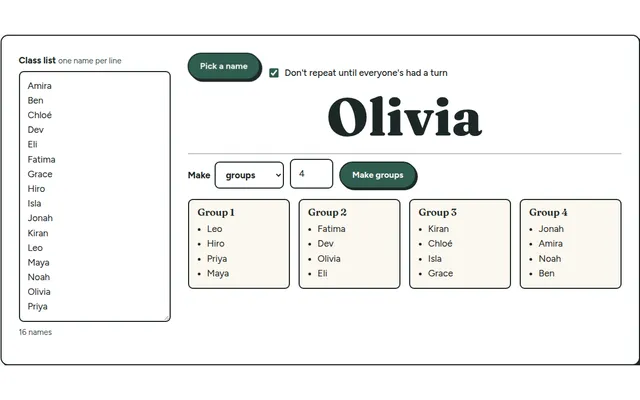
Team Maker
Paste your class list once, then pick a random name or split the class into balanced lab groups in one click.
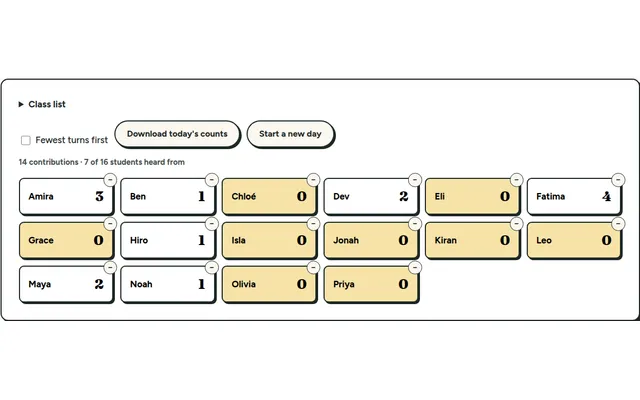
Participation Tally
Tap a name each time a student contributes and see who hasn't had a turn yet. Everything stays on your own device.
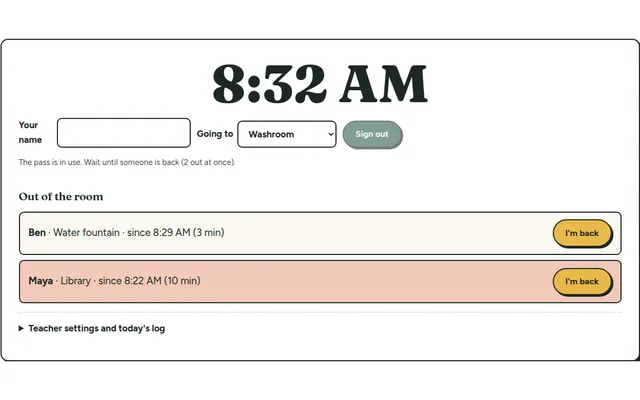
Hall Pass Board
Students sign out and back in on a classroom screen, with a running clock and a log you can download at the end of the day.