Field Watch
A quiet-room wildlife game for the projector. Keep the room calm and animals visit six real habitats, each with a fact to learn. Every animal spotted goes into your class Field Journal.
Ready for some quiet?
Pick a habitat from the menu, then press Start. While the room stays calm, wild animals come out to visit.
Your browser will ask to use the microphone. Sound is measured as one number on this computer. Nothing is recorded or sent anywhere.
Shh… the animals are listening.
Our Field Journal
How to use it
- Choose a habitat and a volume goal, put the page on the projector and press Full screen.
- Press Start listening and allow the microphone. The first animal arrives after about 15 calm seconds, then a new one every few minutes of calm.
- If the room stays over the goal, the scene clouds over (dust, fog, snow, rain or murky water) and no new animals come. A dropped book won't set it off; it takes a few seconds of noise, or one very loud moment.
- Once the room is calm again the sky clears within a few seconds.
- Every animal you meet goes into Our Field Journal, which is saved on this computer. Rare animals don't show up often, so spotting one is a big moment.
The goal line on the sound meter can be dragged to any level. If the goals feel too strict or too loose, press Tune to my room: stay silent for five seconds, then talk normally for five seconds.
Make it a science lesson
- Why do wild animals hide when it's noisy? What sounds do they listen for?
- Which animals in the journal make sounds to talk to each other? Which ones hear in unusual ways (belly ears, jaw bones, side lines)?
- Pick one habitat. What does each animal eat, and what eats it? Draw a food chain from the journal.
- The meter shows how loud the room is. What is sound, and why does a whisper make a smaller bar than a shout?
Animal art: Twemoji, © Twitter, Inc. and contributors, used under CC BY 4.0.
Free to use, no account needed. It runs in your browser: nothing you type, and no sound from your microphone, is sent to Fieldbook.
Hands-on lessons to pair with Field Watch
Ready-to-teach units, each lesson a printable teacher guide and student sheet. Your first three lessons are free.
Sound: Can You See a Sound?
Can you see a sound? Young scientists make rice dance on a drum, talk through a string telephone and build a rubber-band guitar to find out that every sound starts with something shaking.
Your Senses: How Does Your Body Know?
Map the most sensitive spots on your skin, find the blind spot in each eye, lose the flavour of a jelly bean by pinching your nose, and build an owl ear. Four lessons on how senses gather information and the brain makes sense of it.
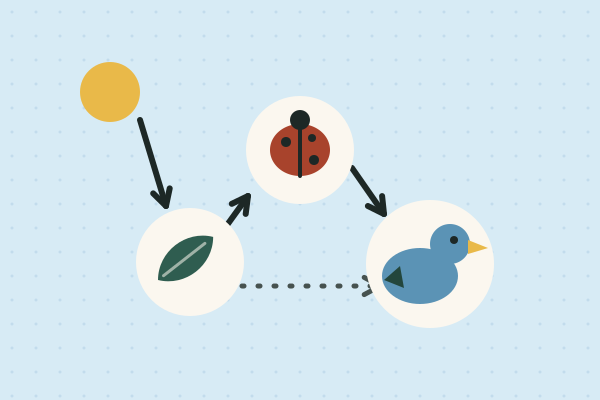
Food Webs: Who Eats Whom?
Where a plant's food comes from, what happens when the wolves disappear, who cleans up, and how much life hides under a log. Four lessons on how energy and matter move through living things.
Three full lessons, free
Make a free account and download any three Fieldbook lessons, from any grade or subject, as printable PDFs. No card needed.
More free classroom tools
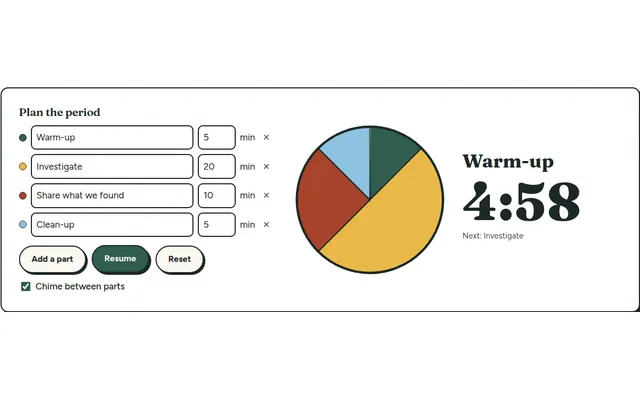
Lesson Timer
A big pie timer that splits a class period into named parts (warm-up, investigate, clean-up) so everyone can see what's next and how long is left.
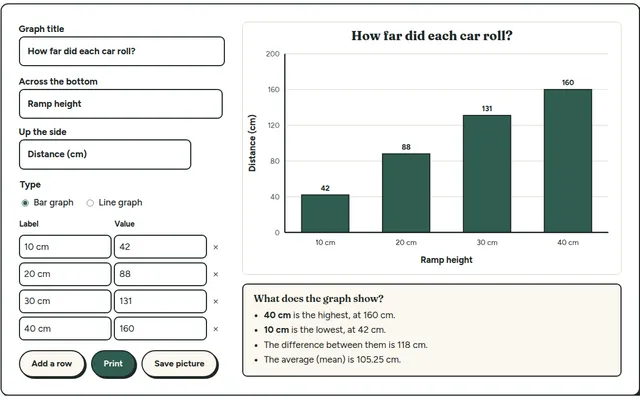
Class Graph Maker
Type in your class's results and get a clean bar or line graph to project or print. Built for the data step of every Fieldbook investigation.
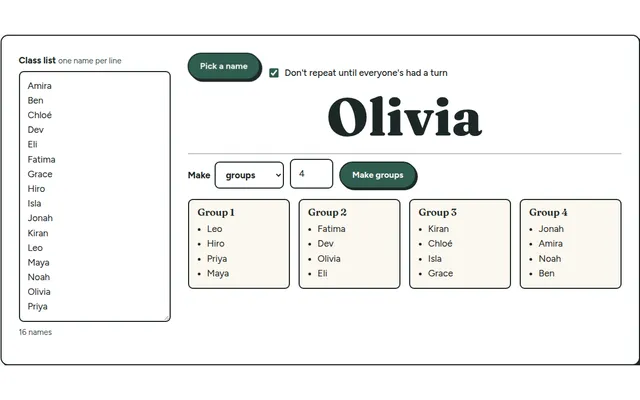
Team Maker
Paste your class list once, then pick a random name or split the class into balanced lab groups in one click.
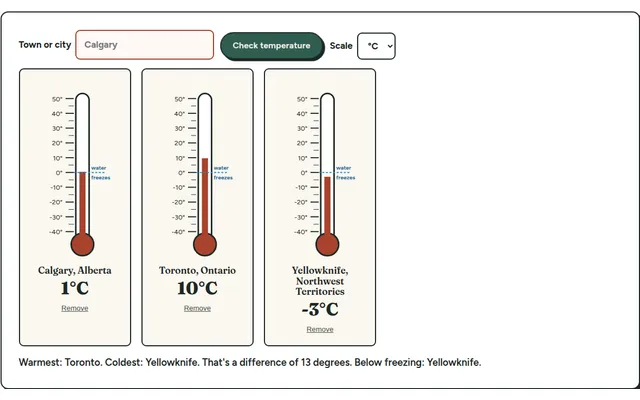
Weather Station
A live thermometer for any town. Read the scale, compare cities, and log the day's temperature for a weather unit.
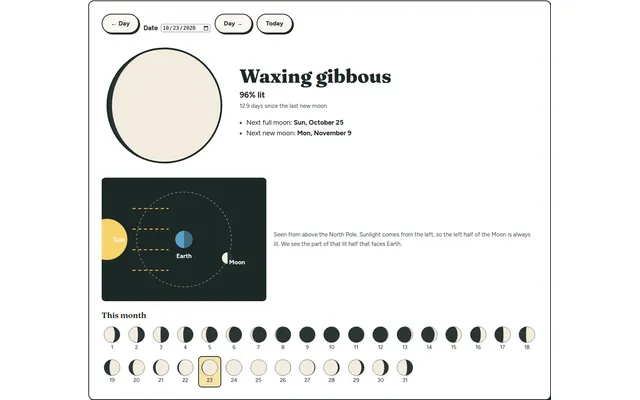
Moon Phase Finder
Pick any date and see the Moon's phase, how much of it is lit and when the next full and new moons are. Pairs with our Sun, Earth and Moon unit.
Participation Tally
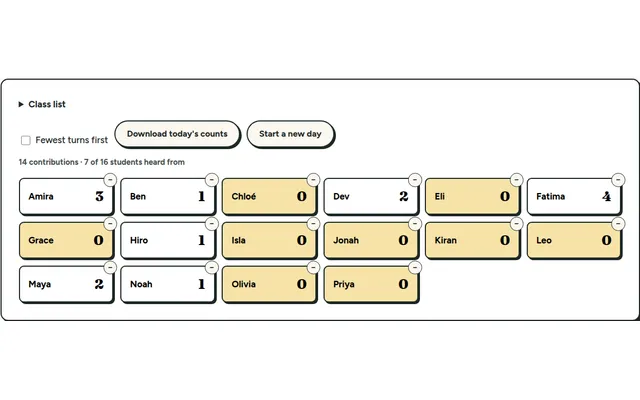
Tap a name each time a student contributes and see who hasn't had a turn yet. Everything stays on your own device.