Picture Talk Board
Tap picture buttons to say words and short sentences out loud. A simple communication board for students who are non-speaking, new to English or need support.
Picture Talk Board · free from Fieldbook Learning
How to use it
Tap a picture button and the board says the word out loud and adds it to the sentence strip at the top. Tap Speak (or the strip itself) to hear the whole sentence, Back to remove the last word, and Clear to start again. The home page holds core words such as I, want, help, more, stop and finished. The tabs open topic pages for food and drink, feelings, places, people, school, play, and body and help. Use Full screen on a tablet so the buttons fill the screen.
Choose the grid size (3 × 3 up to 6 rows of 8), a voice from the ones installed on your device, and the speaking speed. You can hide the words, make the text larger, or switch the whole board to French words with a French voice. Edit board lets you change any button's word or emoji, add your own buttons and pages, and save the board as a file to open on another device. Lock editing hides these controls from students. Everything stays in this browser.
Buttons are coloured by word type, using a common colour key: yellow for people and pronouns, green for actions (verbs), blue for describing words, pink for social words, orange for things and places (nouns) and purple for questions.
What is an AAC communication board?
AAC stands for augmentative and alternative communication: any way of communicating that adds to or replaces speech, from gestures and picture cards to a picture communication board or a speech-generating device. A free AAC board like this one can support non-speaking students, emerging communicators, students who speak some of the time, and English language learners who know what they want to say but not yet the words.
The most powerful habit is modelling, also called aided language input: as you talk, tap the words on the board yourself ("Let's go play"). Students learn to use a board by seeing it used, without being made to perform. Keep the layout stable, so each word stays in the same place and motor patterns can build, and add new words rather than moving old ones. Treat every message as real communication, and avoid testing questions like "Show me apple."
This online communication board is a classroom support. It does not replace an assessment by a speech-language pathologist (SLP). Involve an SLP to choose and set up a full AAC system for a student.
- Model two or three words during a routine (snack, recess, reading) every day for a week.
- Which core words could a student use in every subject?
- Add a custom page for a class topic, with the words students ask for most.
Free to use, no account needed. It runs in your browser: nothing you type, and no sound from your microphone, is sent to Fieldbook.
Three full lessons, free
Make a free account and download any three Fieldbook lessons, from any grade or subject, as printable PDFs. No card needed.
More free classroom tools
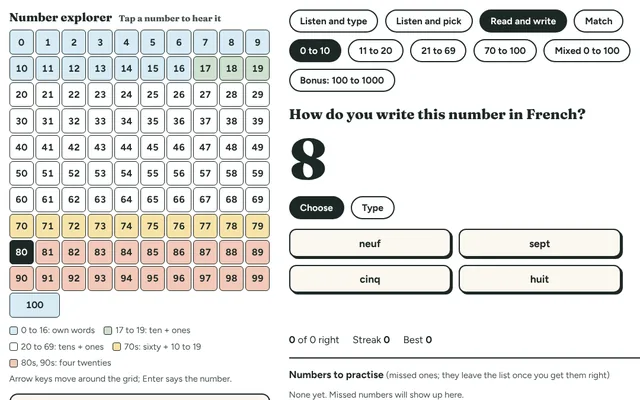
French Numbers Game
Hear a number in French and type it, or see a number and pick the French word. From zéro to cent, including soixante-dix and quatre-vingts.
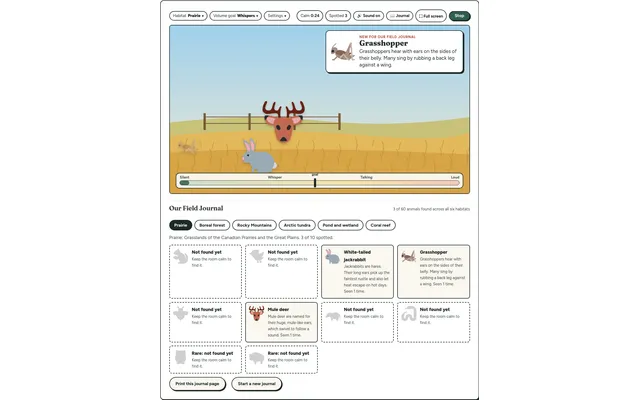
Field Watch
A quiet-room wildlife game for the projector. Keep the room calm and animals visit six real habitats, each with a fact to learn. Every animal spotted goes into your class Field Journal.
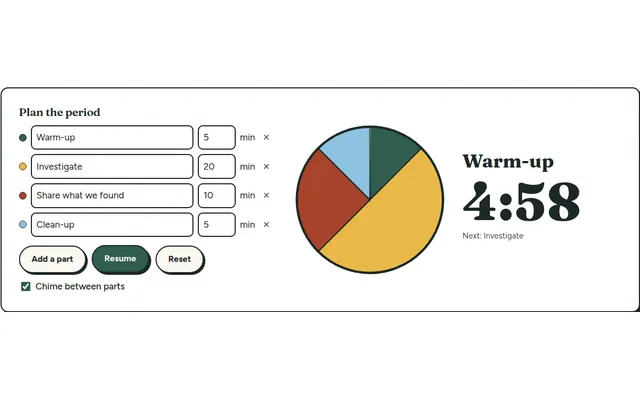
Lesson Timer
A big pie timer that splits a class period into named parts (warm-up, investigate, clean-up) so everyone can see what's next and how long is left.
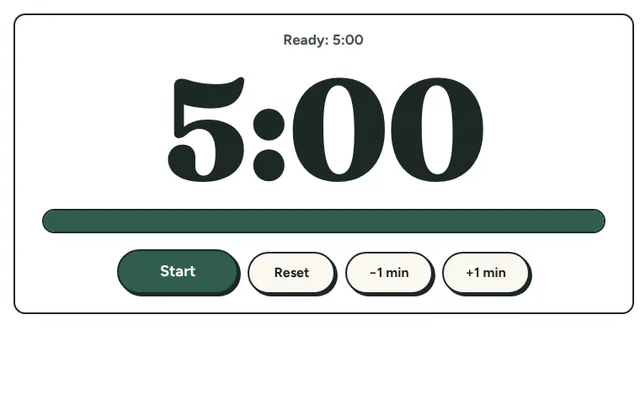
Countdown Timer
A big, clear countdown timer for the board. One tap for 1, 2, 5 or 10 minutes, or set your own, with a gentle chime at zero and a bar that empties as time runs out.
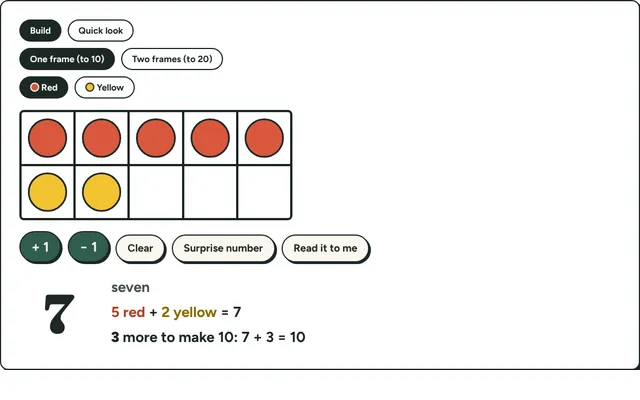
Ten Frames
Fill ten frames with counters to show numbers to 20, make ten and practise quick looks. Early number sense for kindergarten to grade 2.
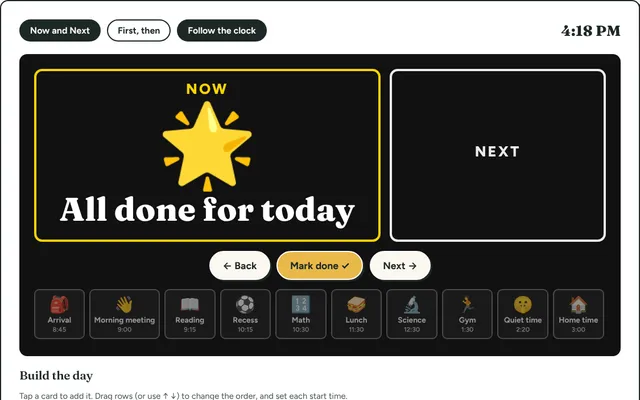
Visual Schedule
Build the day's schedule with picture cards and show Now and Next on the board. Helps every student, and especially those who need predictability.