Countdown Timer
A big, clear countdown timer for the board. One tap for 1, 2, 5 or 10 minutes, or set your own, with a gentle chime at zero and a bar that empties as time runs out.
Ready
5:00
Countdown Timer · free from Fieldbook Learning
How to use it
Tap a preset, from 30 seconds to 20 minutes, or type your own time (like 7:30, or just 4 for four minutes) and press Set. Press Start, then Full screen so the digits fill the board. While it runs you can pause, reset, or add or take away a minute without starting over. The page remembers the last time you set, so tomorrow it is ready to go.
Choose how the time is shown: a bar that empties, a pie that shrinks, or digits only. The colour warms gently from green to gold near the end and turns clay at zero, with no flashing. At zero a soft chime plays (turn it off with the checkbox) and the screen says "Time's up". Tick Keep counting after zero to see how far over you went. The timer keeps correct time even if you switch to another tab, and the tab title shows the time left.
Using a classroom timer well
A visible countdown timer answers the question every class asks: "How long do we have?" When students can see the time, they pace themselves and you stop being the clock. A classroom timer works best for short, clear jobs:
- Transitions. "You have 2 minutes to put away your books and get your science kit." Show the timer, then say nothing until it ends.
- Think time. Give 30 seconds or 1 minute of silent thinking before anyone answers, so more students have an idea ready.
- Clean-up. A 5 minute timer turns tidying into a calm race against the clock rather than against each other.
- Work sprints. Ten or fifteen focused minutes, then a quick stretch, helps younger students stay with a task.
Timers also help students who find change hard, including many autistic students and those with anxiety or ADHD. Knowing exactly when an activity will end makes it easier to start. Give a heads up ("when the bar turns gold, start wrapping up"), keep the chime soft, and use the same timer the same way each day so the routine becomes predictable. If a countdown makes a student anxious, try the pie or digits only view, or let them start and pause it themselves.
- How long do you think one minute is? Close your eyes and raise a hand when you think it has passed.
- If the timer shows 2:45, how many seconds is that? (165)
- The bar is one quarter full on a 20 minute timer. How many minutes are left?
Free to use, no account needed. It runs in your browser: nothing you type, and no sound from your microphone, is sent to Fieldbook.
Hands-on lessons to pair with Countdown Timer
Ready-to-teach units, each lesson a printable teacher guide and student sheet. Your first three lessons are free.
Evidence Lab
How do you know something is true? Students test a claim with their own measurements, find out why one result is never enough, and learn to tell strong evidence from weak.
Test the Claim: Science Facts, Myths and AI Answers
Sayings, ads, forum posts and AI chatbot answers all sound sure of themselves. Students put popular claims to a real hands-on test, grade the answers, and learn how to decide which sources deserve their trust.
Measure It: Length, Time and Mass in the Real World
Whose foot is the right ruler? How long is a minute, really? Is a kilogram of feathers lighter than a kilogram of rocks? Four lessons where students measure length, time and mass with real tools, then use their own data to settle an argument.
Three full lessons, free
Make a free account and download any three Fieldbook lessons, from any grade or subject, as printable PDFs. No card needed.
More free classroom tools
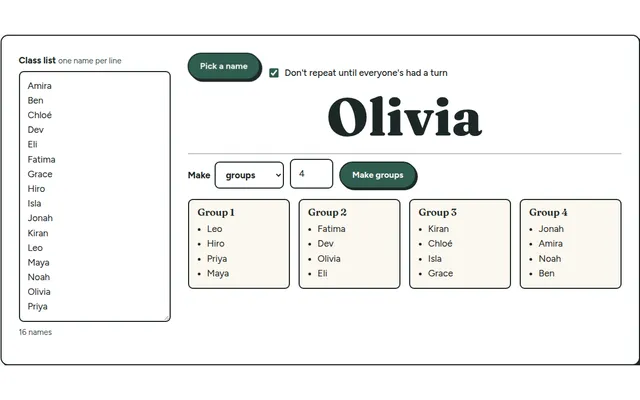
Team Maker
Paste your class list once, then pick a random name or split the class into balanced lab groups in one click.
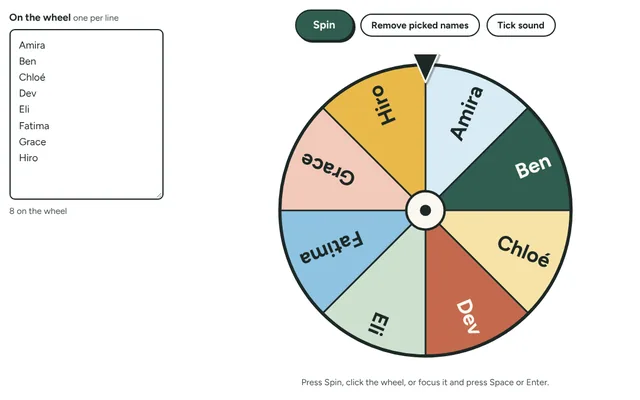
Name Wheel
Spin a wheel of your students' names to pick who goes next, with the option to take each name off once it has been picked. Add prizes, jobs or questions instead of names.
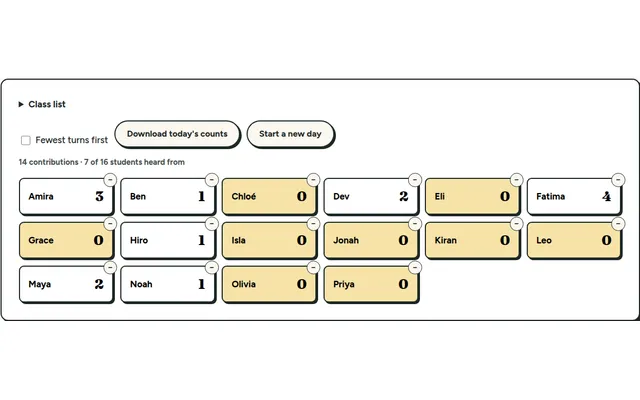
Participation Tally
Tap a name each time a student contributes and see who hasn't had a turn yet. Everything stays on your own device.
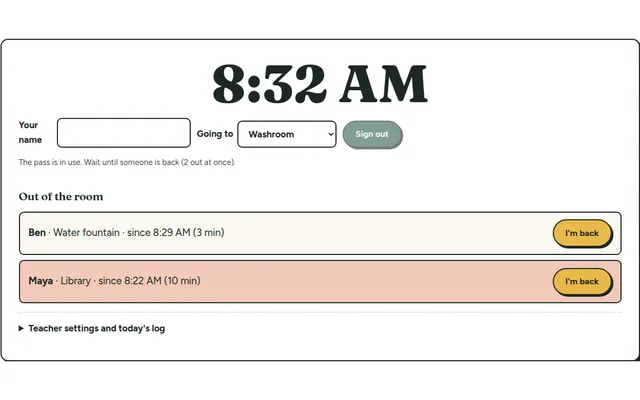
Hall Pass Board
Students sign out and back in on a classroom screen, with a running clock and a log you can download at the end of the day.
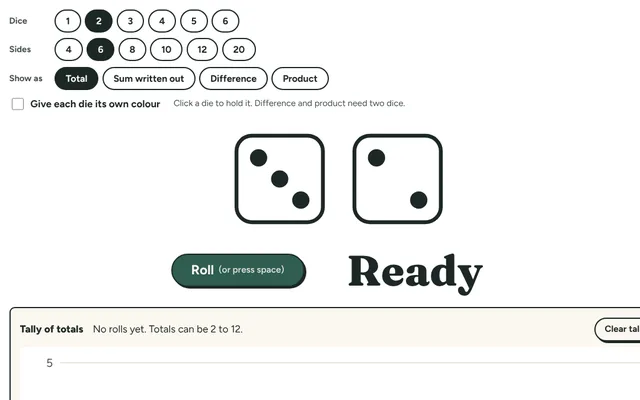
Dice Roller
Roll up to six big dice for games and math centres: regular six-sided dice or 4, 8, 10, 12 and 20-sided ones, with the total and a tally of every roll.
Ten Frames
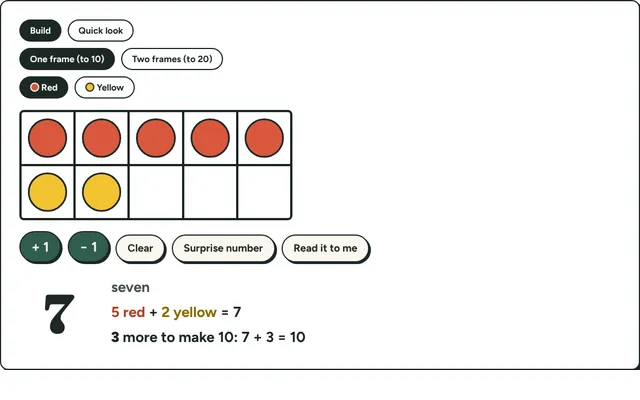
Fill ten frames with counters to show numbers to 20, make ten and practise quick looks. Early number sense for kindergarten to grade 2.