Name:
Word bank
Create a free account now and get 3 full lessons, completely free. Get my 3 free lessons
Paste a passage, click the words to blank out, and print a worksheet with a shuffled word bank. The answer key prints on its own page.
Name:
Answer key
Fill-in-the-Blanks Maker · free from Fieldbook Learning
Paste a short passage, such as a paragraph from a lesson, a poem or something a child wrote. Choose Choose the words, then click the words you want blanked out. You can also type words and blank every copy at once. The worksheet appears below with numbered blanks and a word bank in a shuffled order. Print gives the worksheet on page one and the answer key on its own page, so you can hand out the first and keep the second.
Free to use, no account needed. It runs in your browser: nothing you type, and no sound from your microphone, is sent to Fieldbook.
Ready-to-teach units, each lesson a printable teacher guide and student sheet. Your first three lessons are free.

Air, water, land and living things, and how each one depends on the others. Students build a sealed jar ecosystem to keep for a month and catch the water cycle in a bag on the window.

How small is a cell, how does water get in, what's inside, and why are cells so tiny? Four lessons with potatoes, strawberries and gelatin that work with a microscope or without one.
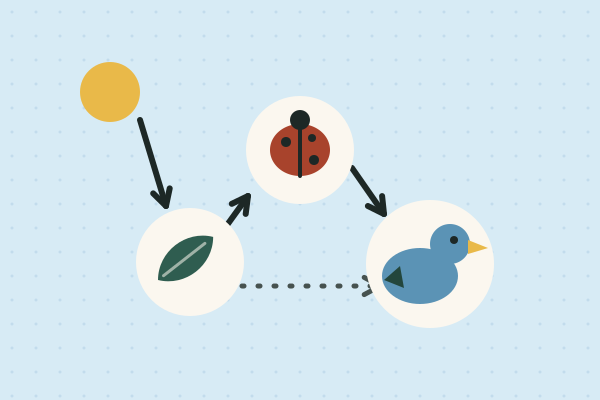
Where a plant's food comes from, what happens when the wolves disappear, who cleans up, and how much life hides under a log. Four lessons on how energy and matter move through living things.
Make a free account and download any three Fieldbook lessons, from any grade or subject, as printable PDFs. No card needed.
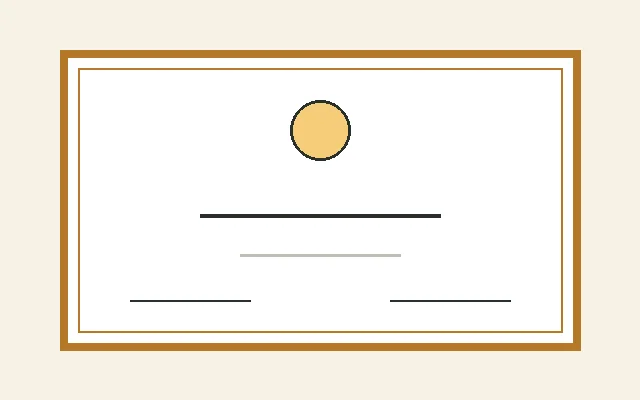
Make printable award certificates in a minute. Choose an award or write your own, add a name, date and signature, and print one or a whole class.
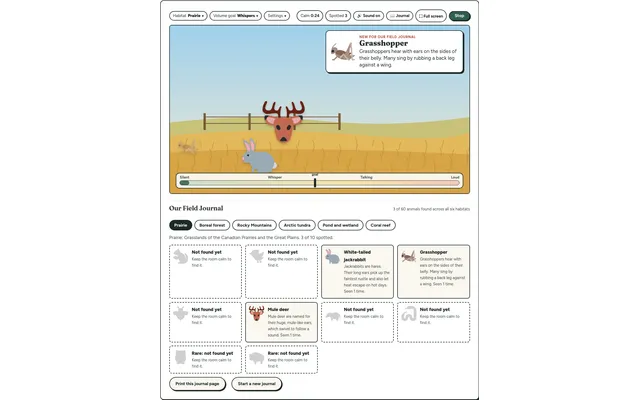
A quiet-room wildlife game for the projector. Keep the room calm and animals visit six real habitats, each with a fact to learn. Every animal spotted goes into your class Field Journal.
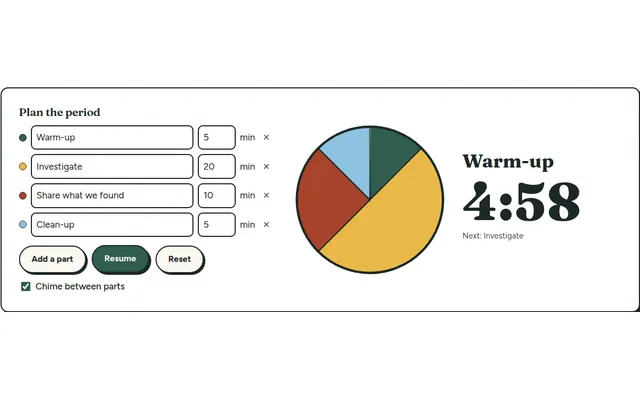
A big pie timer that splits a class period into named parts (warm-up, investigate, clean-up) so everyone can see what's next and how long is left.
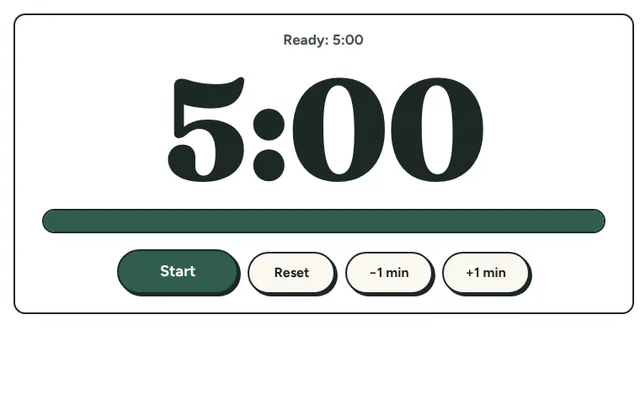
A big, clear countdown timer for the board. One tap for 1, 2, 5 or 10 minutes, or set your own, with a gentle chime at zero and a bar that empties as time runs out.
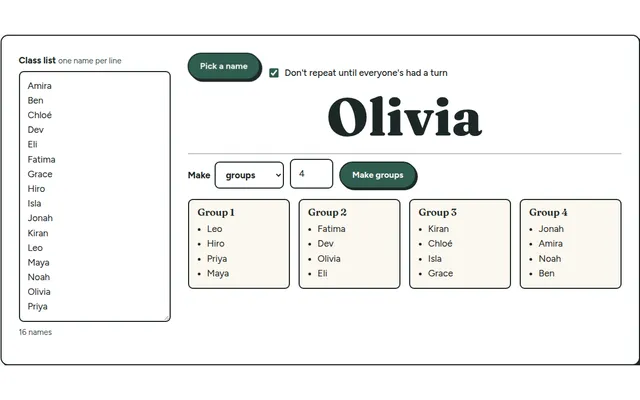
Paste your class list once, then pick a random name or split the class into balanced lab groups in one click.
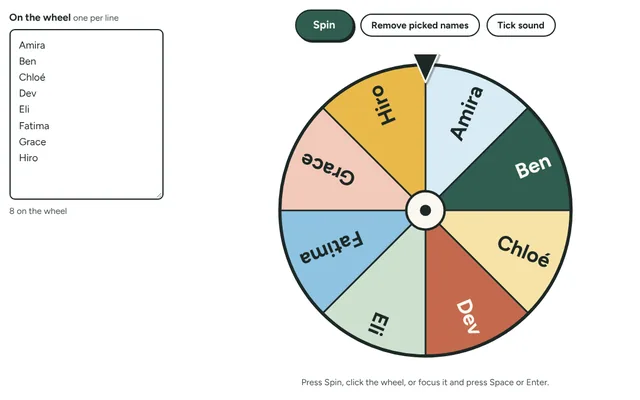
Spin a wheel of your students' names to pick who goes next, with the option to take each name off once it has been picked. Add prizes, jobs or questions instead of names.