First-Then Board
Show "first this, then that" with two big picture cards, then tick off the first step. A simple visual support for transitions and less-preferred tasks.
First-Then Board · free from Fieldbook Learning
How to use it
The board opens with First math, Then blocks. To change a card, tap the panel you want to fill (it gets a dashed outline), then tap a picture card in the library. You can also drag a card from the library onto a panel. Library cards are grouped into tasks, choices and rewards, and daily routines. Type your own word and pick a picture to make a custom card. Turn on Add a Next panel for a three-step board.
When the first task is finished, press Done. A big check appears over it, the Then panel lights up, and an optional soft chime plays. If you choose a Timer for Then, a bar counts down the minutes of the reward or break, so the end of it is predictable too. With Speak cards on, tapping a panel reads the board aloud ("First math, then blocks"); Say it does the same at any time. High contrast and Large text make the cards easier to see, and Full screen turns a tablet into a student's own board. Save boards you use often as favourites on this device, print a board, or print a blank first-then board to laminate and use with your own picture cards.
What a first-then board is and why it helps
A first-then board is a simple visual support: a picture of what happens first, next to a picture of what comes after. It turns "after you finish your writing you can have computer time" into something a student can see and come back to, rather than words that disappear once they are spoken. Many students find transitions and less-preferred tasks easier when they know exactly what is happening and what follows. That predictability can lower anxiety, and pairing a short task with something motivating helps students get started.
First-then boards are often used with autistic students and students with ADHD, language delays or anxiety, but they help plenty of others too: young children, students learning English, and anyone having a hard day. Use clear, positive language and present the board as a support, not a consequence.
- Introduce it with a short, easy first task and a "then" the student truly enjoys, so early success builds trust.
- Always keep your promise: if the first task is done, the then happens.
- Let the student help choose the "then" card when you can.
- Gradually make the first task longer, then move to a full visual schedule or written list as the student needs the board less.
Free to use, no account needed. It runs in your browser: nothing you type, and no sound from your microphone, is sent to Fieldbook.
Three full lessons, free
Make a free account and download any three Fieldbook lessons, from any grade or subject, as printable PDFs. No card needed.
More free classroom tools
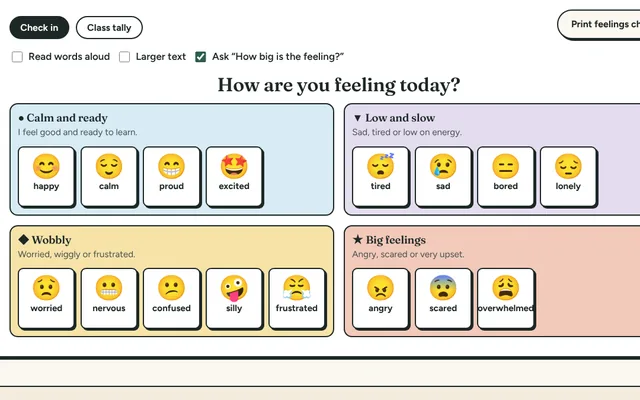
Feelings Check-In
Students pick how they feel from a colour-coded chart of feelings, then choose a calming or energising strategy that fits. Tally the class mood without names.
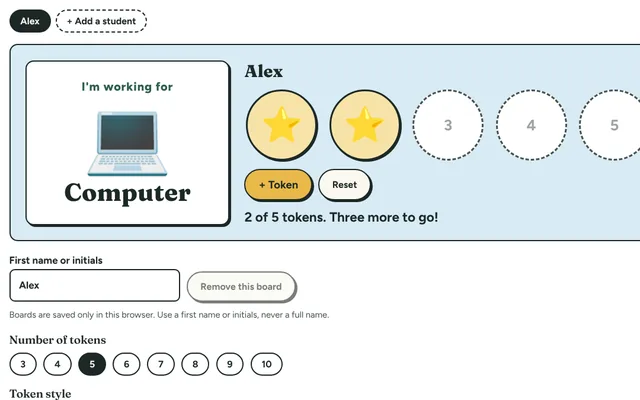
Token Board
A reward chart for the board or a tablet: choose a reward, then add a star or token for each step until the board is full and the reward is earned.
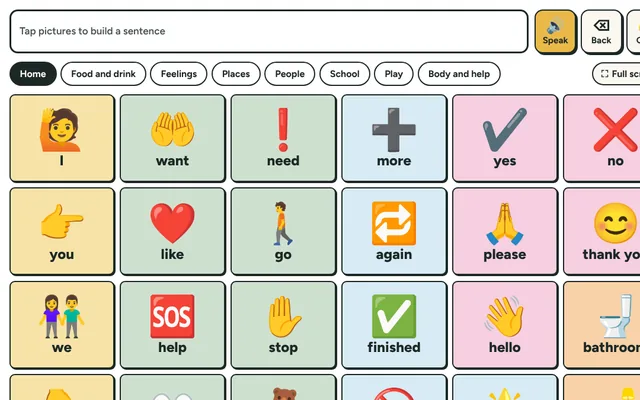
Picture Talk Board
Tap picture buttons to say words and short sentences out loud. A simple communication board for students who are non-speaking, new to English or need support.
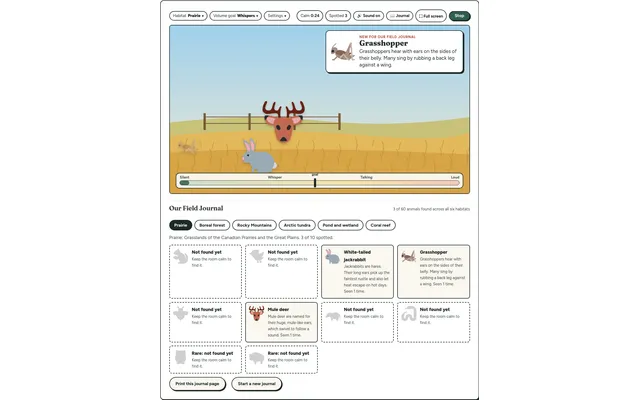
Field Watch
A quiet-room wildlife game for the projector. Keep the room calm and animals visit six real habitats, each with a fact to learn. Every animal spotted goes into your class Field Journal.
Lesson Timer
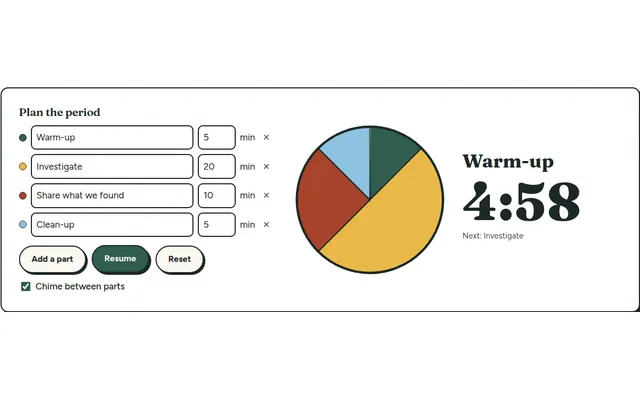
A big pie timer that splits a class period into named parts (warm-up, investigate, clean-up) so everyone can see what's next and how long is left.
Countdown Timer
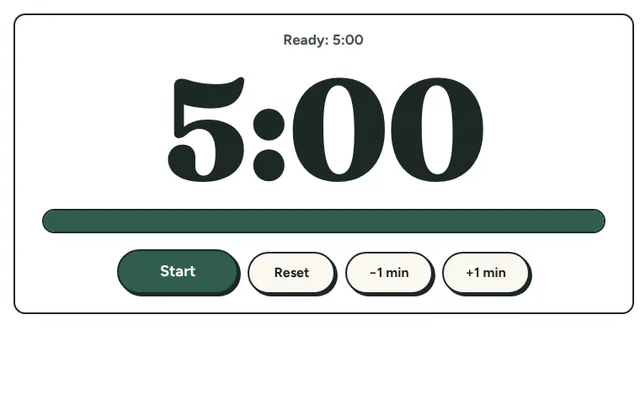
A big, clear countdown timer for the board. One tap for 1, 2, 5 or 10 minutes, or set your own, with a gentle chime at zero and a bar that empties as time runs out.