Area and Perimeter Builder
Draw shapes on a square grid and watch the area and perimeter count up. Challenges ask for shapes with the same area but different perimeters.
Area
Perimeter
How to use it
Click squares to fill them, or drag to fill several; start a drag on a filled square to rub out. The area counts the filled squares and the perimeter counts the unit edges around the outside, drawn in red. On a keyboard, click the grid or tab to it, move with the arrow keys and press Space. Rectangles mode draws a rectangle from a length and width and shows the formulas.
The three challenges are checked by the tool: make a shape with a given area and perimeter, make two shapes with the same area but different perimeters, or find the smallest perimeter for an area. Shapes must be one piece, joined edge to edge.
The math: area covers, perimeter goes around
Area is how many unit squares cover a shape, measured in square units. Perimeter is the distance around it, measured in units. For a rectangle, area = length × width and perimeter = 2 × (length + width). For any other shape made of squares, counting still works: every edge of a square that does not touch another filled square is part of the perimeter. If a shape has a hole, the edges around the hole count too, because they are also a boundary.
Shapes with the same area can have very different perimeters. Twelve squares in a 3 by 4 rectangle have a perimeter of 14, but in a long line of 12 the perimeter is 26. Squarer shapes have the smallest perimeter for their area, which is why animals curl up into a ball to keep warm, and stretched, frilly shapes have the largest, like a leaf or a lung that needs lots of edge.
- Can two shapes have the same perimeter but different areas? Find a pair.
- Add one square to a shape. Can the perimeter go up by 2, stay the same, or go down?
- Why is the perimeter of a shape made of squares always an even number?
Free to use, no account needed. It runs in your browser: nothing you type, and no sound from your microphone, is sent to Fieldbook.
Hands-on lessons to pair with Area and Perimeter Builder
Ready-to-teach units, each lesson a printable teacher guide and student sheet. Your first three lessons are free.
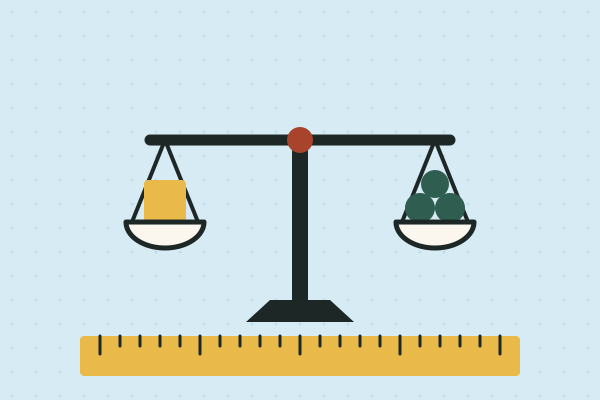
Measure It: Length, Time and Mass in the Real World
Whose foot is the right ruler? How long is a minute, really? Is a kilogram of feathers lighter than a kilogram of rocks? Four lessons where students measure length, time and mass with real tools, then use their own data to settle an argument.

Data Detectives
How fast are our reflexes? Which graph is telling the truth? Do taller people really have bigger hands? Three lessons where students collect their own measurements and find out what numbers can and can't tell you.

Our Living Planet
Air, water, land and living things, and how each one depends on the others. Students build a sealed jar ecosystem to keep for a month and catch the water cycle in a bag on the window.
Three full lessons, free
Make a free account and download any three Fieldbook lessons, from any grade or subject, as printable PDFs. No card needed.
More free classroom tools
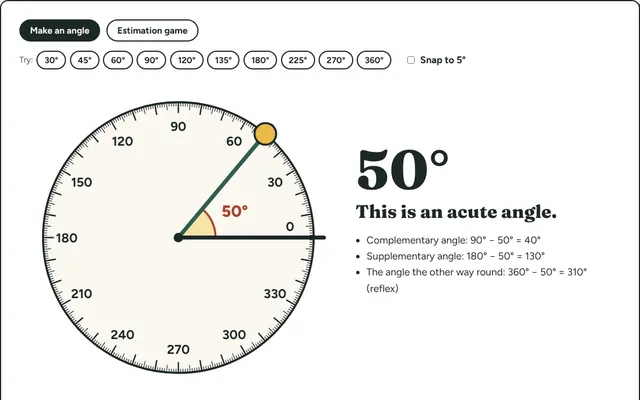
Angle Maker
Turn a ray around an on-screen protractor to make and measure angles, name them acute, right, obtuse or reflex, then estimate angles in a game.
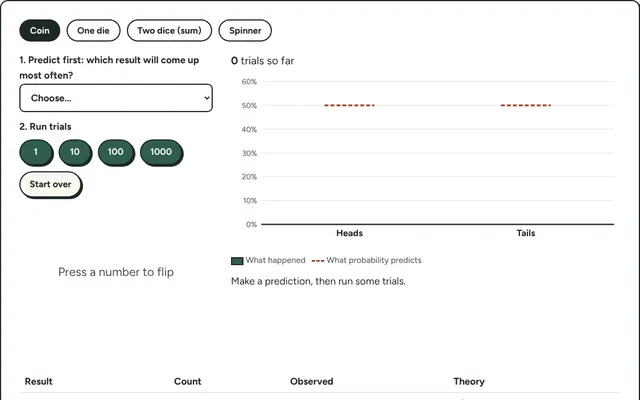
Probability Lab
Flip coins, roll dice or spin a spinner hundreds of times and compare what happened with what probability predicts.
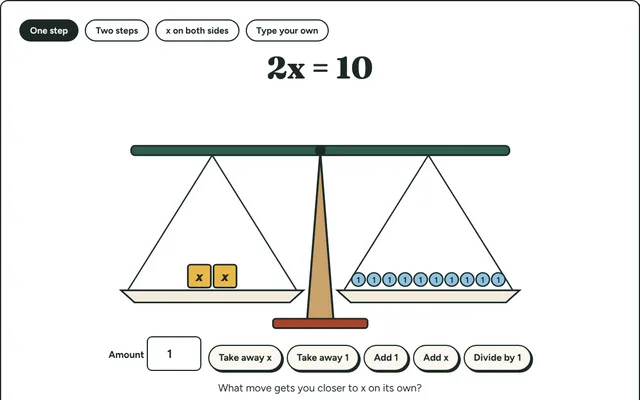
Equation Balance
Solve equations on a balance scale: do the same thing to both sides until x stands alone. Step-by-step algebra for grades 6 to 8.
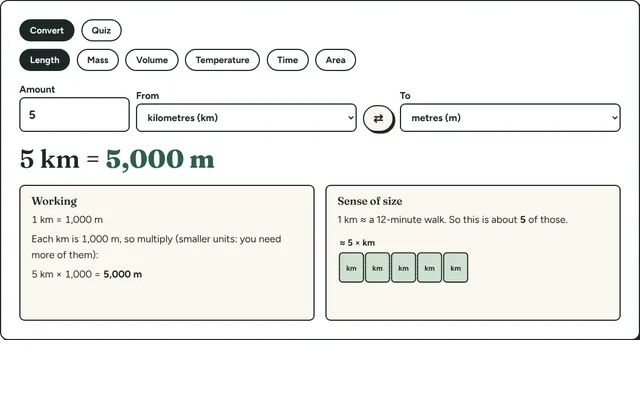
Measurement Converter
Convert length, mass, volume, temperature and time between metric and imperial units, with the working shown and a sense-of-size picture for each.
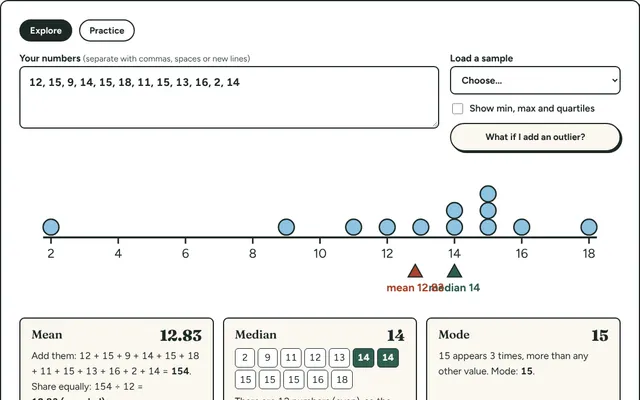
Mean, Median and Mode
Type in a set of numbers and see the mean, median, mode and range worked out step by step, with a dot plot that shows where each one sits.
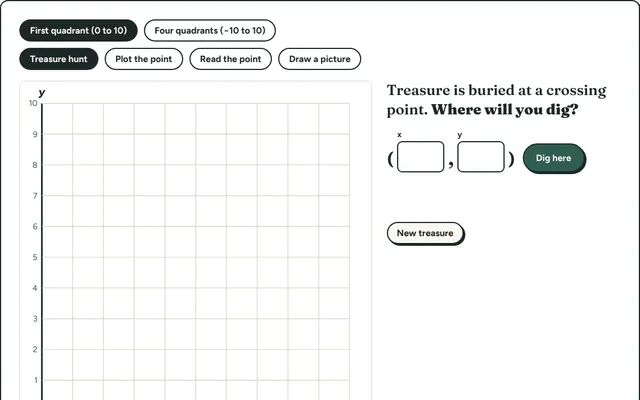
Coordinate Hunt
Find hidden treasure by plotting and reading points on a coordinate grid. First quadrant for beginners, all four quadrants for grade 6 and up.