Angle Maker
Turn a ray around an on-screen protractor to make and measure angles, name them acute, right, obtuse or reflex, then estimate angles in a game.
How to use it
Drag the round handle, or click anywhere on the protractor, to turn the ray. The angle is measured counterclockwise from the fixed ray pointing right. With the keyboard, tab to the handle and use the arrow keys (hold Shift for 10° steps, Home for 0° and End for 360°). The angle's type and its partner angles update as you turn.
In the Estimation game the protractor is hidden and the angle is turned to a random position. Type your best guess. The closer you are, the more points you get: within 2° scores 10, within 5° scores 8, within 10° scores 5 and within 20° scores 2. A game is ten angles.
The math: an angle is an amount of turn
An angle measures how far one ray has turned from another around a shared point, the vertex. A full turn is 360°, a half turn is a straight angle of 180° and a quarter turn is a right angle of 90°. The length of the rays does not matter, only the turn.
- Acute: more than 0° and less than 90°.
- Right: exactly 90°, marked with a small square.
- Obtuse: more than 90° and less than 180°.
- Straight: exactly 180°.
- Reflex: more than 180° and less than 360°.
Two angles that add to 90° are complementary; two that add to 180° are supplementary. Good estimators use benchmarks: is it more or less than a right angle? More or less than halfway to the next benchmark? Ask students to explain which benchmark they started from.
Free to use, no account needed. It runs in your browser: nothing you type, and no sound from your microphone, is sent to Fieldbook.
Hands-on lessons to pair with Angle Maker
Ready-to-teach units, each lesson a printable teacher guide and student sheet. Your first three lessons are free.
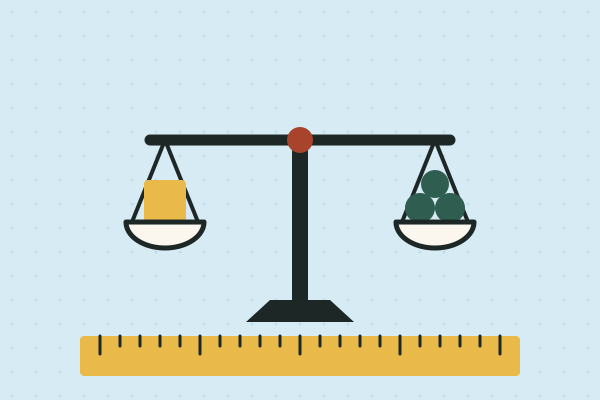
Measure It: Length, Time and Mass in the Real World
Whose foot is the right ruler? How long is a minute, really? Is a kilogram of feathers lighter than a kilogram of rocks? Four lessons where students measure length, time and mass with real tools, then use their own data to settle an argument.

Light and Shadows
Why does my shadow follow me, and why is it so long in the morning? Young scientists chase their shadows, track the Sun across the day and test which things let light through.
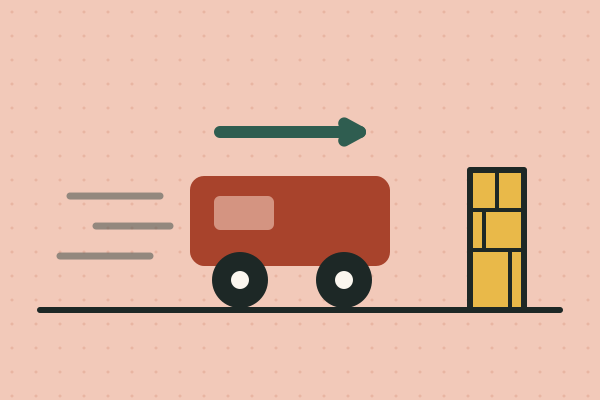
Forces and Motion: Crash, Push and Stop
Why you lurch forward when the bus brakes, how fast a toy car really goes, why heavier carts hit harder, and how to build a crumple zone that saves an egg. Four lessons on inertia, speed, mass and stopping safely.
Three full lessons, free
Make a free account and download any three Fieldbook lessons, from any grade or subject, as printable PDFs. No card needed.
More free classroom tools
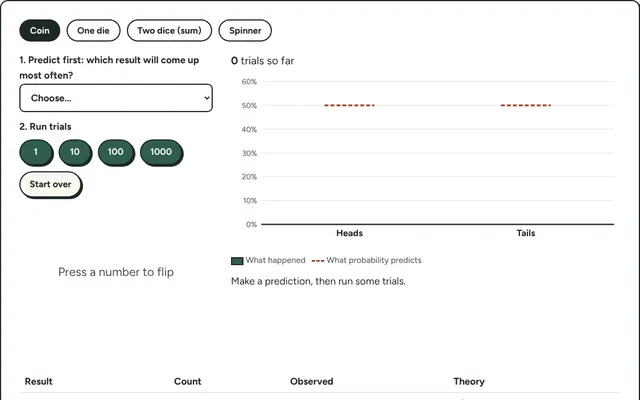
Probability Lab
Flip coins, roll dice or spin a spinner hundreds of times and compare what happened with what probability predicts.
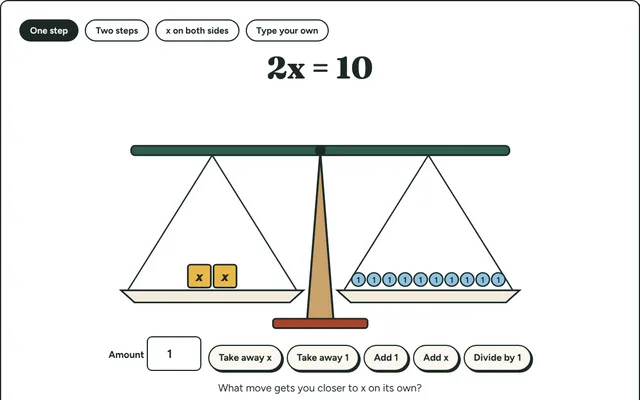
Equation Balance
Solve equations on a balance scale: do the same thing to both sides until x stands alone. Step-by-step algebra for grades 6 to 8.
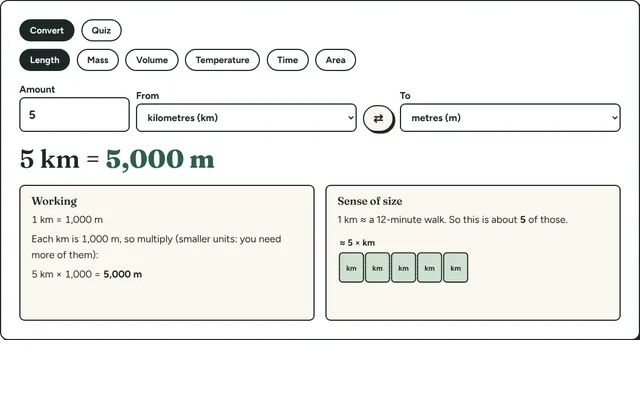
Measurement Converter
Convert length, mass, volume, temperature and time between metric and imperial units, with the working shown and a sense-of-size picture for each.
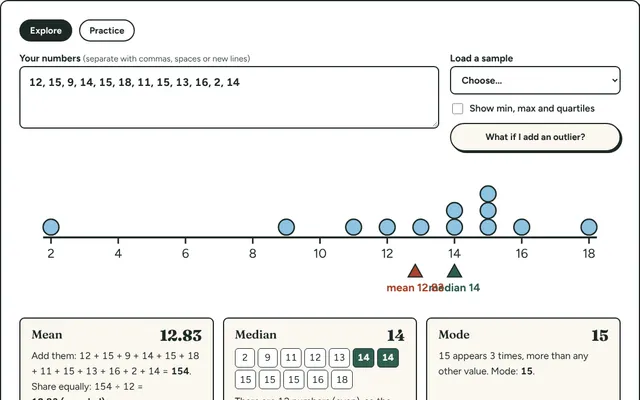
Mean, Median and Mode
Type in a set of numbers and see the mean, median, mode and range worked out step by step, with a dot plot that shows where each one sits.
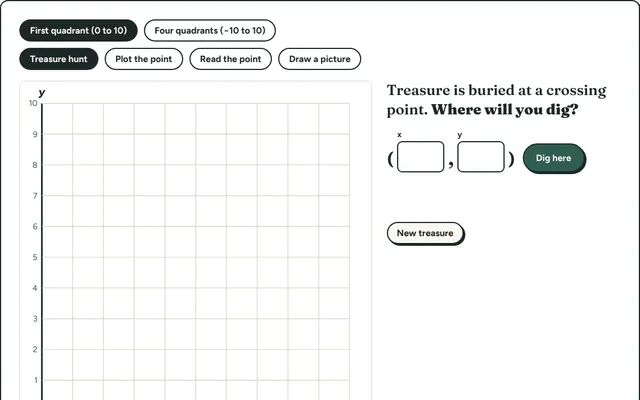
Coordinate Hunt
Find hidden treasure by plotting and reading points on a coordinate grid. First quadrant for beginners, all four quadrants for grade 6 and up.
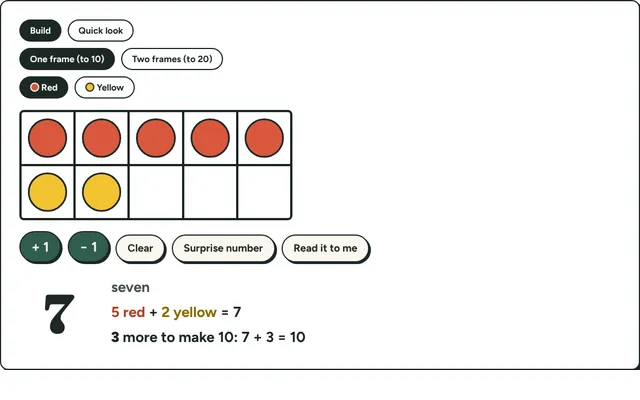
Ten Frames
Fill ten frames with counters to show numbers to 20, make ten and practise quick looks. Early number sense for kindergarten to grade 2.