Flashcard Maker
Type or paste a list of questions and answers and get a deck of flip cards to study, shuffle, sort into "know it" and "practise again", quiz and print.
Flashcard Maker · free from Fieldbook Learning
How to use it
Choose a deck from the Deck menu. Sample decks are ready to go: parts of a plant, Canadian provinces, territories and capitals, states of matter words, the 7 times table and French greetings. To make your own flashcards, press New deck, give it a title and type one card per line, front first, then a comma, then the back. You can also paste two columns straight from a spreadsheet. Decks are saved in this browser, and the menu switches between them.
In Study, click the card or press Space to flip it, and use the arrow keys to move. After each card, sort it: I knew it (key 1) or Practise again (key 2). Cards you need to practise come back at the end of the round, and the summary offers Study the missed cards. Turn on Shuffle to mix the order, Start with back to go from answer to question, and Read aloud to hear the card in English or French.
Quiz asks you to type the answer or pick it from four choices. Typed answers ignore capitals, extra spaces and punctuation, and accents only count if you tick the box. If you were right in other words, press I was right, count it.
Print and share prints 8 cards to a page, fronts then mirrored backs, so a double-sided print (flip on the long edge) lines up; or choose fold in half. Copy link to this deck puts the whole deck in the link, so another teacher or a student can open it and save their own copy.
How to study with flashcards so it sticks
Online flashcards work because of retrieval practice: pulling an answer out of memory strengthens it far more than rereading notes. So say the answer out loud, or in your head, before you flip. If you just flip and nod, you are only rereading.
Spacing matters too. Three short sessions over a week beat one long one, and the practise again pile keeps your time on the cards you do not know yet. Mixing topics, or shuffling a deck, makes you work out which idea fits each card. Study both directions with Start with back, and let students make flashcards for each other: writing a good card is learning in itself.
- Partner quiz: one student holds the device, the other answers, then swap.
- Open a unit with a vocabulary deck, and come back to it every few days.
- Put printed cards in a centre for sorting and matching games.
- Show the quiz on the projector as a whole-class warm-up or exit ticket.
- Have groups build a deck and share the link with another group.
Free to use, no account needed. It runs in your browser: nothing you type, and no sound from your microphone, is sent to Fieldbook.
Hands-on lessons to pair with Flashcard Maker
Ready-to-teach units, each lesson a printable teacher guide and student sheet. Your first three lessons are free.

Our Living Planet
Air, water, land and living things, and how each one depends on the others. Students build a sealed jar ecosystem to keep for a month and catch the water cycle in a bag on the window.
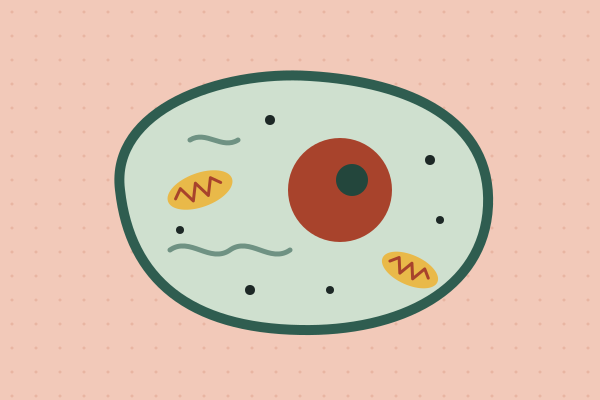
Cells: The Smallest Living Things
How small is a cell, how does water get in, what's inside, and why are cells so tiny? Four lessons with potatoes, strawberries and gelatin that work with a microscope or without one.
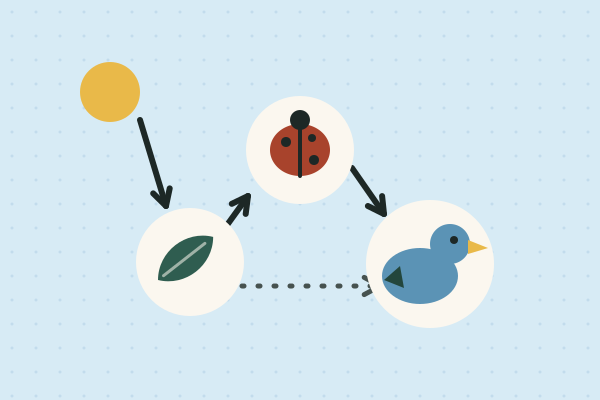
Food Webs: Who Eats Whom?
Where a plant's food comes from, what happens when the wolves disappear, who cleans up, and how much life hides under a log. Four lessons on how energy and matter move through living things.
Three full lessons, free
Make a free account and download any three Fieldbook lessons, from any grade or subject, as printable PDFs. No card needed.
More free classroom tools
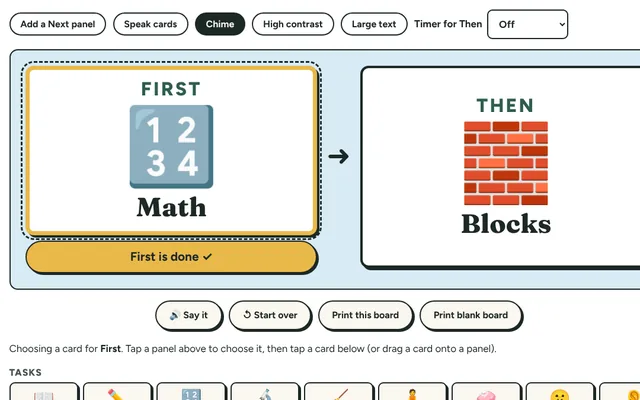
First-Then Board
Show "first this, then that" with two big picture cards, then tick off the first step. A simple visual support for transitions and less-preferred tasks.
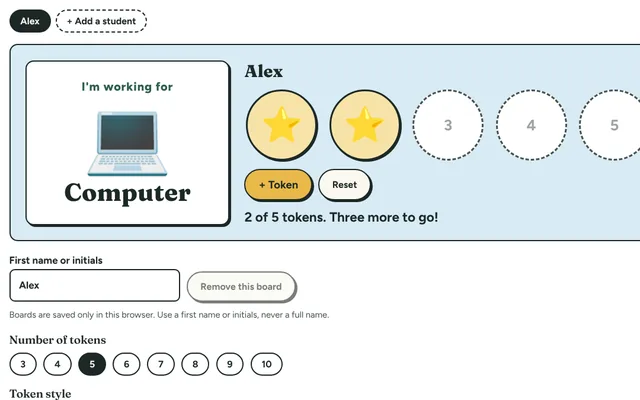
Token Board
A reward chart for the board or a tablet: choose a reward, then add a star or token for each step until the board is full and the reward is earned.
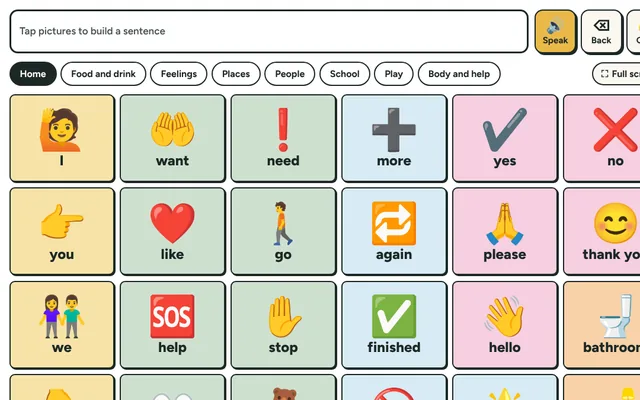
Picture Talk Board
Tap picture buttons to say words and short sentences out loud. A simple communication board for students who are non-speaking, new to English or need support.
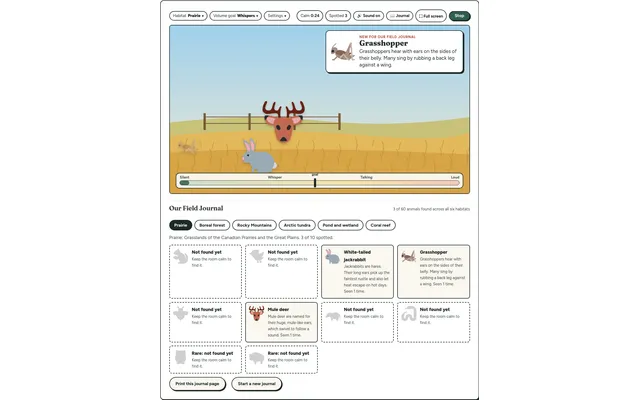
Field Watch
A quiet-room wildlife game for the projector. Keep the room calm and animals visit six real habitats, each with a fact to learn. Every animal spotted goes into your class Field Journal.
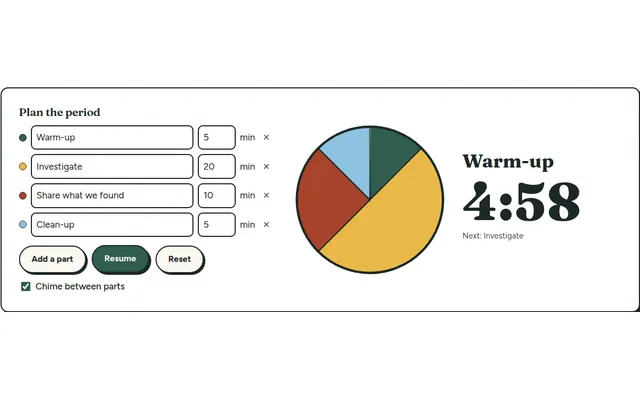
Lesson Timer
A big pie timer that splits a class period into named parts (warm-up, investigate, clean-up) so everyone can see what's next and how long is left.
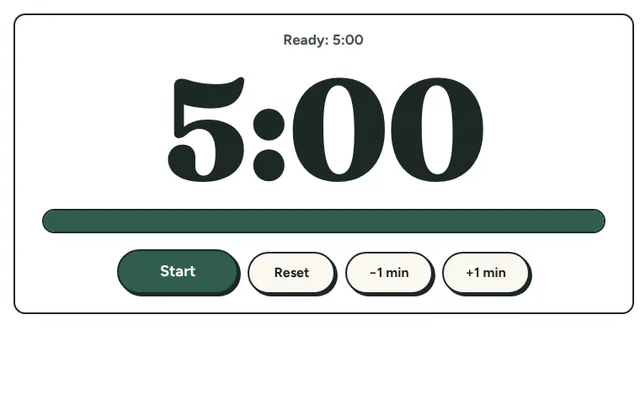
Countdown Timer
A big, clear countdown timer for the board. One tap for 1, 2, 5 or 10 minutes, or set your own, with a gentle chime at zero and a bar that empties as time runs out.