Venn Diagram Maker
Sort words, numbers or pictures into two or three overlapping circles. Start from a ready-made sort or type your own, then print the finished diagram.
Venn Diagram Maker · free from Fieldbook Learning
How to use it
Pick a ready-made sort, such as mammals and animals that live in water, even numbers and multiples of 3, or metal and magnetic materials, or type your own circle titles. Add chips by typing a word or number and pressing Add; separate words with commas to add a whole list. Drag each chip from the tray into the place where it belongs. Chips line up neatly in each part of the diagram, so the class can read them from the back of the room.
On a touch screen or keyboard, tap or tab to a chip and press Enter, then choose a part of the diagram from the buttons, or tap a spot in the diagram. The same panel lets you change a chip's words or delete it. Switch between two and three circles, and type a label for the outside box.
Ready-made sorts have an answer key. Press Check to mark each placed chip right or wrong, with a short reason for each one that needs to move. Your own sorts have no key, so talk them through together. All back to tray shuffles every chip back for another try. The diagram saves in this browser, so it is still there next time. Print gives a clean copy of the finished diagram, and Print blank makes a worksheet: the empty circles with their titles and a word bank to sort.
What a Venn diagram teaches
A Venn diagram is a picture of sorting and classifying. Each circle holds everything that fits one rule. The overlap holds things that fit both rules at once, so a whale goes where "Mammals" and "Lives in water" cross. Anything that fits neither rule goes outside the circles but inside the box, which stands for everything being sorted. An empty part is an answer too: in the magnets sort, almost nothing is magnetic without being metal.
This is the start of sets and logic. The overlap is "A and B", the whole of both circles is "A or B", and the outside is "not A and not B". With numbers, students see that multiples of 2 and 3 meet at the multiples of 6. In science and reading, a Venn diagram is a compare-and-contrast organizer: two animals, two materials or two characters, with what they share in the middle.
- Why is the middle of the even numbers and multiples of 3 sort full of multiples of 6?
- Can you think of anything for an empty part of the diagram? If not, why not?
- Compare two characters from a story: what goes in the middle?
- Make a sort with three circles and explain one chip in the centre.
Free to use, no account needed. It runs in your browser: nothing you type, and no sound from your microphone, is sent to Fieldbook.
Hands-on lessons to pair with Venn Diagram Maker
Ready-to-teach units, each lesson a printable teacher guide and student sheet. Your first three lessons are free.

Our Living Planet
Air, water, land and living things, and how each one depends on the others. Students build a sealed jar ecosystem to keep for a month and catch the water cycle in a bag on the window.
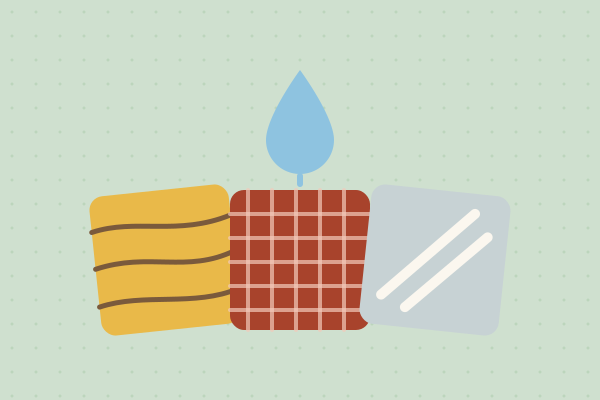
Test It, Choose It: Materials
What is a spoon made of, and why isn't it made of paper? Children sort objects by material, test which materials keep the rain out and which keep the sun off, and choose the right material for a job. Kitchen, stationery and recycling-bin materials, no weather needed.

Data Detectives
How fast are our reflexes? Which graph is telling the truth? Do taller people really have bigger hands? Three lessons where students collect their own measurements and find out what numbers can and can't tell you.
Three full lessons, free
Make a free account and download any three Fieldbook lessons, from any grade or subject, as printable PDFs. No card needed.
More free classroom tools
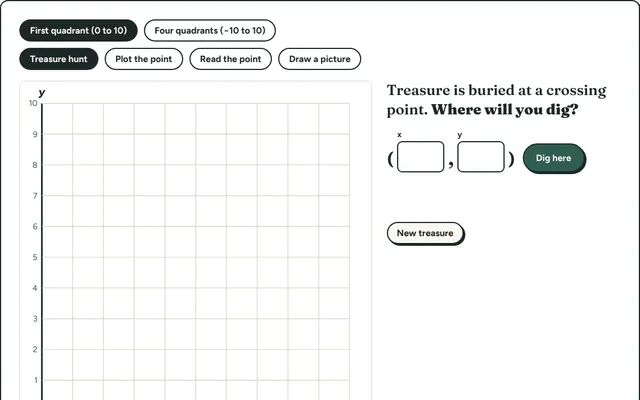
Coordinate Hunt
Find hidden treasure by plotting and reading points on a coordinate grid. First quadrant for beginners, all four quadrants for grade 6 and up.
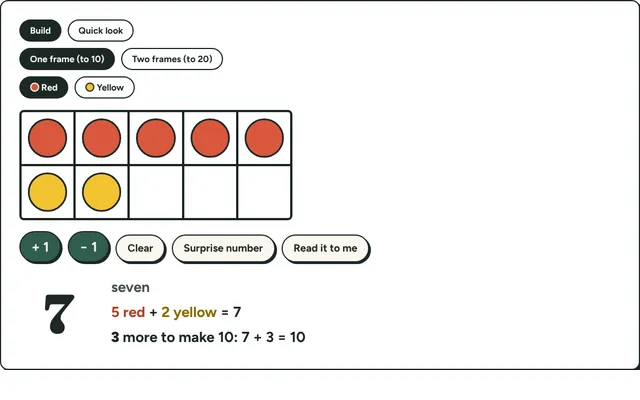
Ten Frames
Fill ten frames with counters to show numbers to 20, make ten and practise quick looks. Early number sense for kindergarten to grade 2.
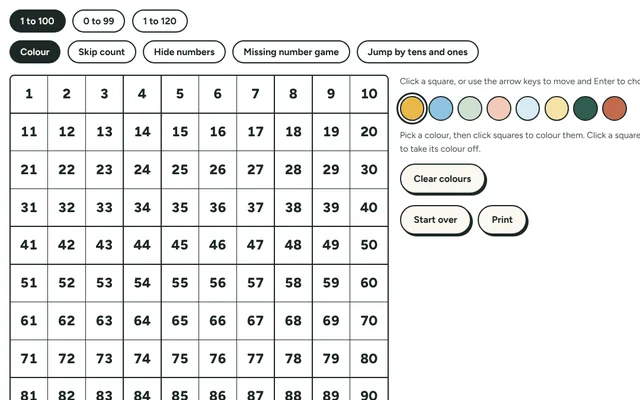
Hundred Chart
An interactive 100 or 120 chart. Shade skip-counting patterns, hide numbers for a missing-number puzzle, and jump by tens and ones.
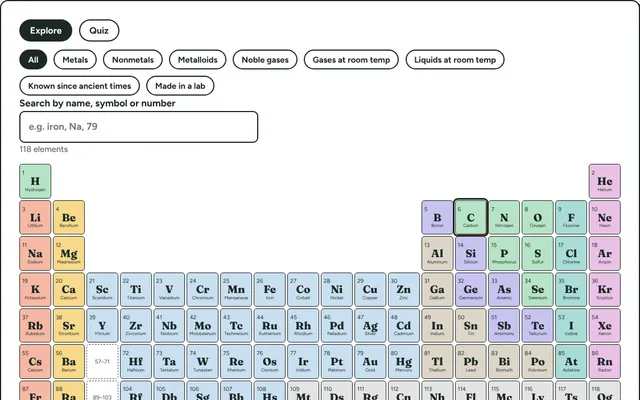
Periodic Table Explorer
All 118 elements, coloured by family. Click one for its atomic number, mass, state, discovery and an everyday use, or highlight metals, gases and more.
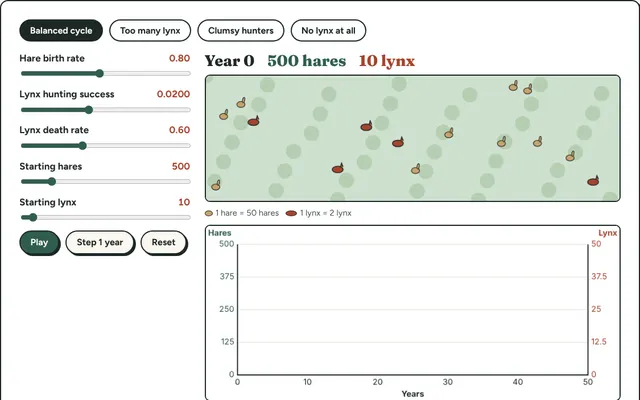
Predator and Prey
Run a simulated meadow of hares and lynx. Change birth and hunting rates and watch the two populations rise and fall on a live graph.
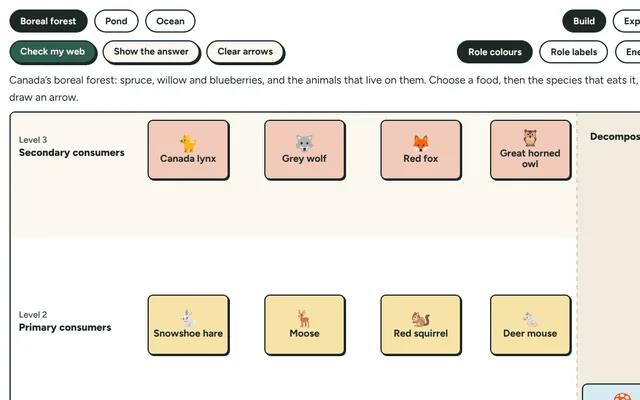
Food Web Builder
Build a food web for a forest, pond or ocean by drawing arrows from food to eater. Then remove one species and see which others are affected.